Reverse engineering / retail + two demos
The analysis workbench
Maps, models, mission scripts and the tools used to take Darker apart. Pick a viewer below to explore the recovered data or inspect the checks behind an interpretation.
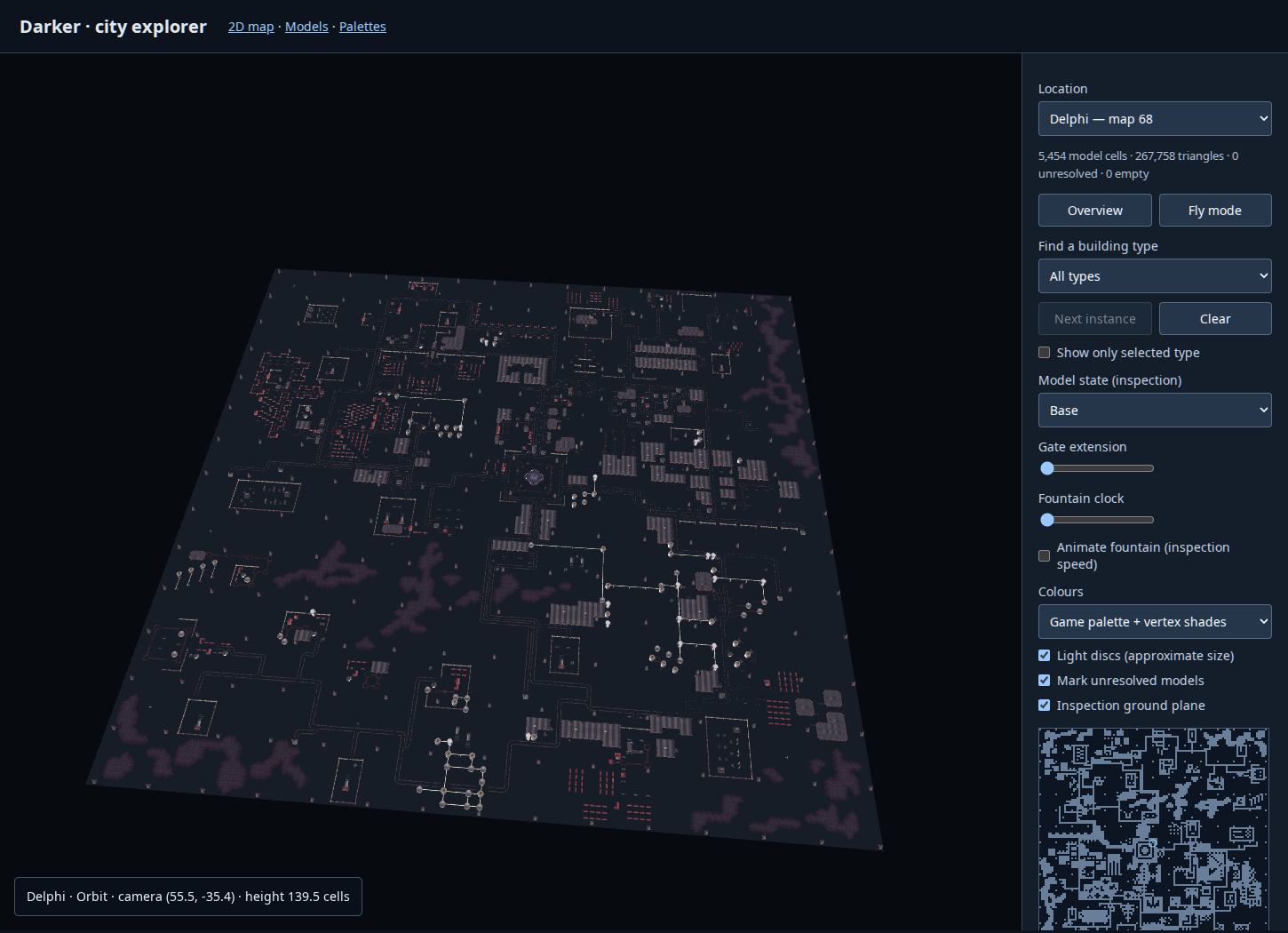
Explore a city
Delphi, Halon and the underground maps, assembled from the recovered definitions.
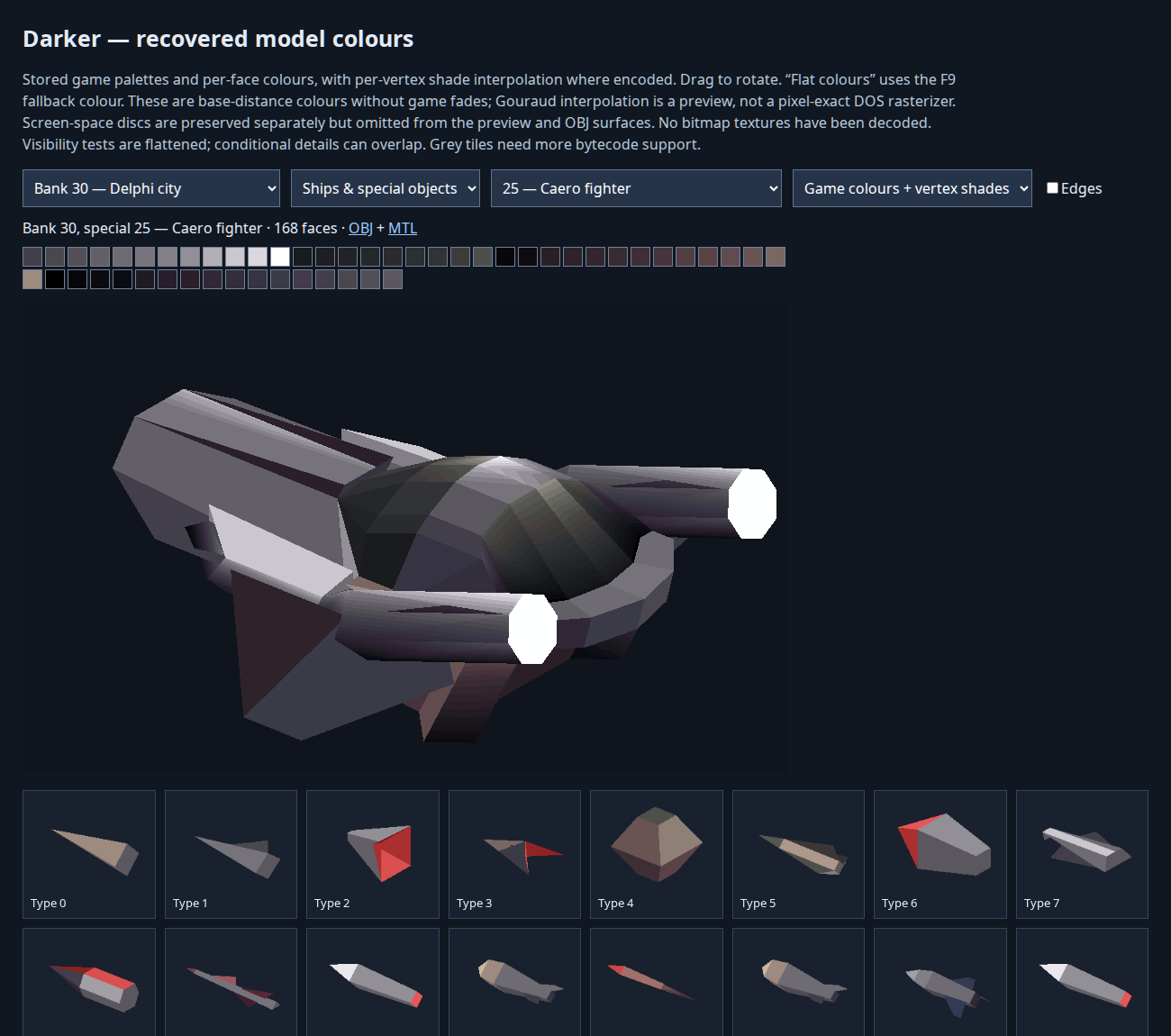
Inspect a model
Buildings and ships, with their original colours and linked states.
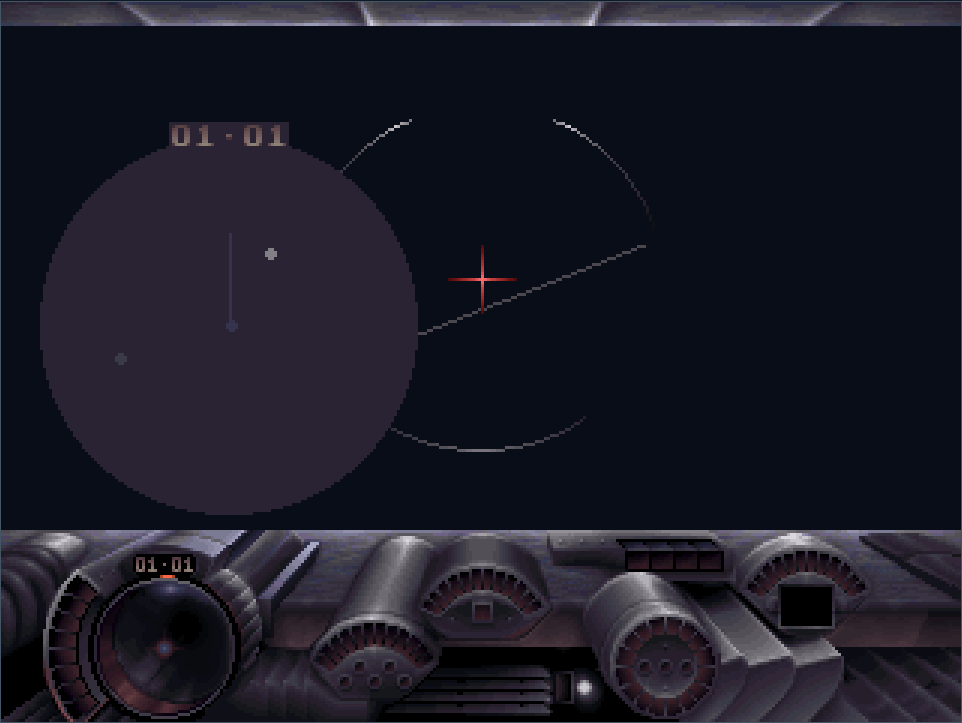
Try the cockpit
Adjust the instruments and see how the original display rules fit together.
27 viewers
Worlds and models
Start with a whole city, then inspect the cells and model definitions that build it. Retail and demo content share the map and model viewers.
3D city explorer
Fly around the assembled cities and tunnels. Find building types, inspect linked states, extend gates and watch fountains move.
city/3d.html2D map explorer
Inspect the 128 × 128 grids, building placements, named locations and ambient sound positions.
city/index.htmlAnimated fountain study
The assembled Kismet Square fountain, with authored reflections and animated water. Compare original drawing order with depth sorting.
models/fountain.htmlModel browser
Rotate buildings, craft and effects. Compare palettes, damaged forms, shared geometry and animated components.
models/index.htmlDemo comparisons
Compare the two demo packages with retail: maps, model inventories, executables, scenarios and development leftovers.
demos/index.htmlMissions and saved state
Briefings are only part of a scenario. These tools follow object setup, vehicle routes, timed messages and changes to the city.
Scenario inspector
Browse mission records, message sections, object slots and scripted routes on the maps, including the Wrecker’s path.
missions/index.htmlBeacon failures and blackouts
Inspect the scripts and map locations behind partial beacon failures and the full blackout.
missions/blackouts.htmlPersistent map state
Check which cell types can retain changes between missions, with the native checks and type inventory alongside.
missions/persistent-state.htmlSupply-cycle trace
Step through a controlled run of the original supply logic: arrival, reload, shield reset and return towards flight.
missions/supply-cycle.htmlSave viewer and editor
Open a DARKER.SAV, inspect and edit its saved values, and download a new copy with a recalculated checksum.
saves/index.htmlCockpit and interface
The working cockpit brings the parts together. The other viewers separate masks, sprites, fonts and drawing rules so each can be checked on its own.
Interactive cockpit
Adjust the Caero and Skimma instruments, weapon displays and radar using the recovered drawing rules.
interface/dynamic/index.htmlFonts and interface sheets
Browse the original glyphs and cockpit sheets, including the differences between demo and retail assets.
interface/index.htmlInstrument masks
Inspect the bitmap regions and masks used to draw individual cockpit instruments.
interface/hud/index.htmlParticle and HUD sprites
Inspect explosion and smoke phases, weapon icons, digits and the selectors that choose them.
interface/sprites/index.htmlEffect recipes
Play or scrub reconstructed effects assembled from sprite emitters, with optional sound auditions.
interface/effects/index.htmlPortable fonts
Try and download the extracted OpenType and WOFF2 fonts, with glyph mappings and coverage companions.
interface/portable-fonts/index.htmlMusic and sound
The game supplied different arrangements for different sound hardware. Effects are reconstructed separately; the auditions omit live distance and Doppler processing.
Music player
Listen to the six music pieces and switch between their five hardware variants. The first group is the startup music.
audio/index.htmlLossless music sections
Download complete intro and loop FLACs for all six playback options, with native timing and independent stems where needed.
audio/native-loops/index.htmlNative music formats
Compare the hardware-specific sequences and drivers, with original exports and decoded command data.
audio/variants/index.htmlFM sound effects
Audition the recovered OPL patches and browse effect definitions, sound locations and register traces.
audio/effects/index.htmlImages, presentations and text
Presentation clips combine frame ranges, backgrounds and palette updates. The separate image and text browsers expose the source material behind those sequences.
Images and animation frames
Browse decoded still images, graphics sheets and the individual frames of animation resources.
media/index.htmlScenes and music
Follow briefing page chains and their music changes, with direct links to complete intro and loop audio sections.
presentations/music.htmlPresentation clips
Play script-linked frame sequences using the recovered backgrounds, palette changes and timing.
presentations/index.htmlFull palettes
Inspect all 256 entries in the recovered palettes, with duplicate palettes grouped and retained colours marked.
media/palettes.htmlFormatted multilingual text
Read decoded text with its original glyphs, message boundaries and formatting commands kept visible.
text/formatted.htmlGameplay definitions and native traces
These pages show the data and instruction-level checks behind the reconstruction. A controlled trace isolates a particular behaviour; its setup matters when interpreting the result.
Object and weapon definitions
Inspect the executable’s 33 definition records, their field meanings, model bindings and code references.
gameplay/index.htmlFlight and collision traces
Replay original flight callbacks followed by collision and crash handling under controlled starting conditions.
flight-physics/index.htmlNo viewers match that search. Try a broader term or clear the filter.
Behind the viewers
These reports contain the disassembly references, experiments and unresolved questions. Links open the rendered reports, with the original Markdown available on each page.